In this course, we designed and developed a Mixed Reality (MR) game where players collect chickens in a basket. The chickens spawn and run around the player's room, creating a dynamic and interactive experience. Players are rewarded based on the number of chickens they successfully collect.
2 weeks
Juben, Jay, Ariyaman, Kanish, Niharika, Varsha
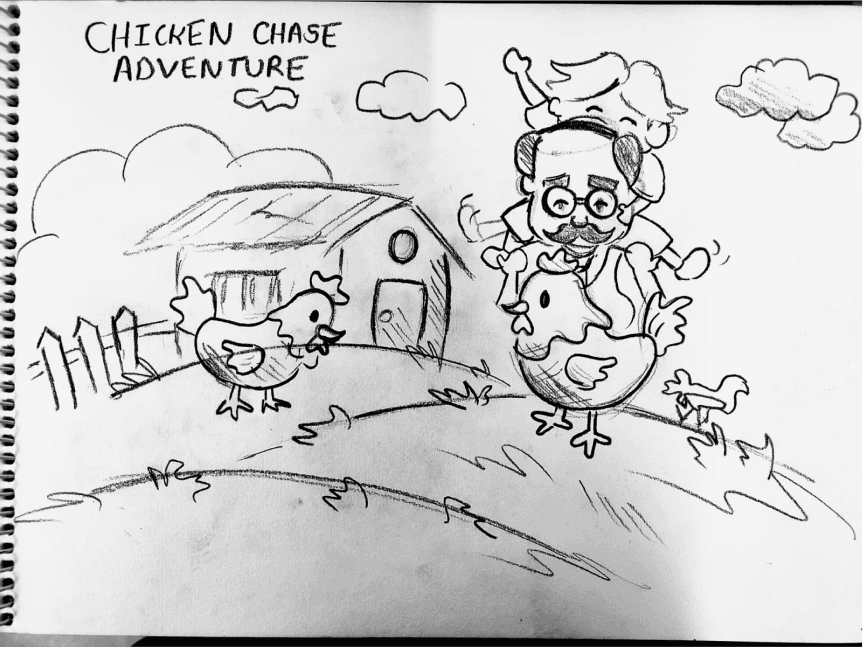
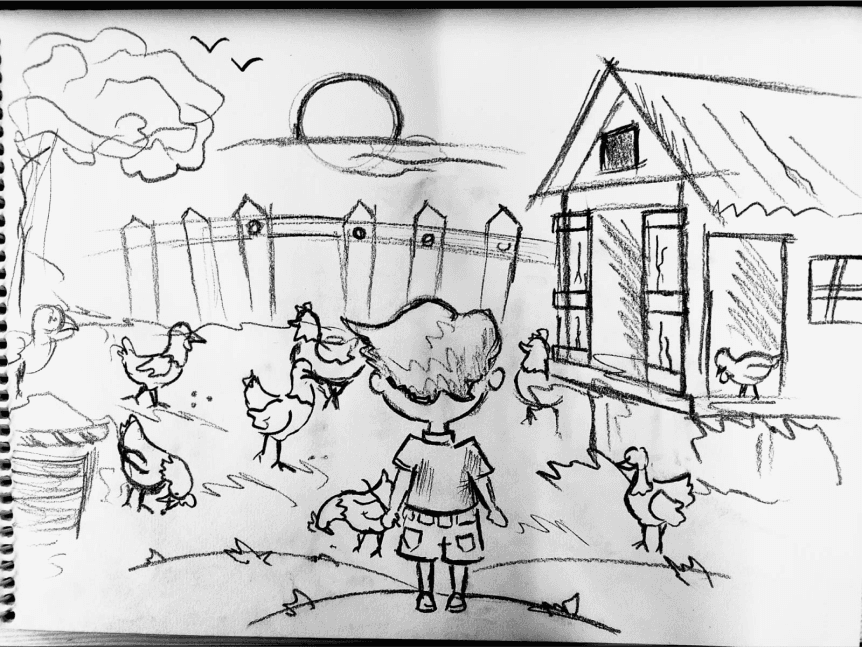
We brainstormed ideas and landed on the concept of collecting chickens in our grandparents' house, inspired by childhood memories of visiting their farm. One day, the grandfather forgets to close the living room door, allowing chickens to wander in. To avoid a mess, the grandchildren are tasked with catching them in a basket, with a promise of a reward from their grandfather once all the chickens are caught.
Environmental Story Telling, Immersive Gameplay, Nostalgic Inspiration.
Target audience
The game targets both MR (Mixed Reality) and VR (Virtual Reality) gamers, offering an immersive and interactive experience that leverages the unique capabilities of these platforms. It appeals to those seeking engaging gameplay within the realms of mixed and virtual reality, regardless of age, who enjoy novel and immersive gaming experiences.
Game Document
Game Objective: Catch all the chickens that have invaded your grandparents' house before time runs out to earn a promised reward.

Game Genre
Casual Simulation, Family-Friendly Adventure.
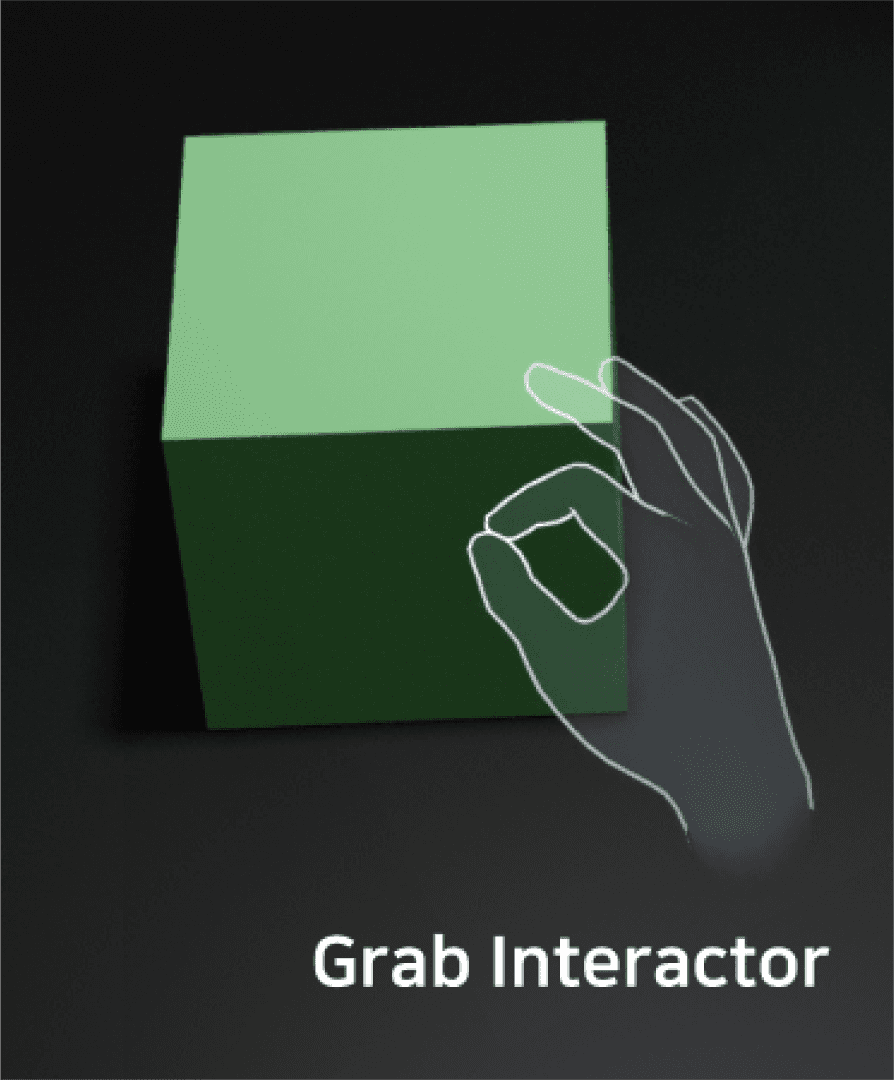
Mixed Gesture:
Intuitive gesture, Hand Interaction, Grab Interaction, Pinch Interaction.



Methodology
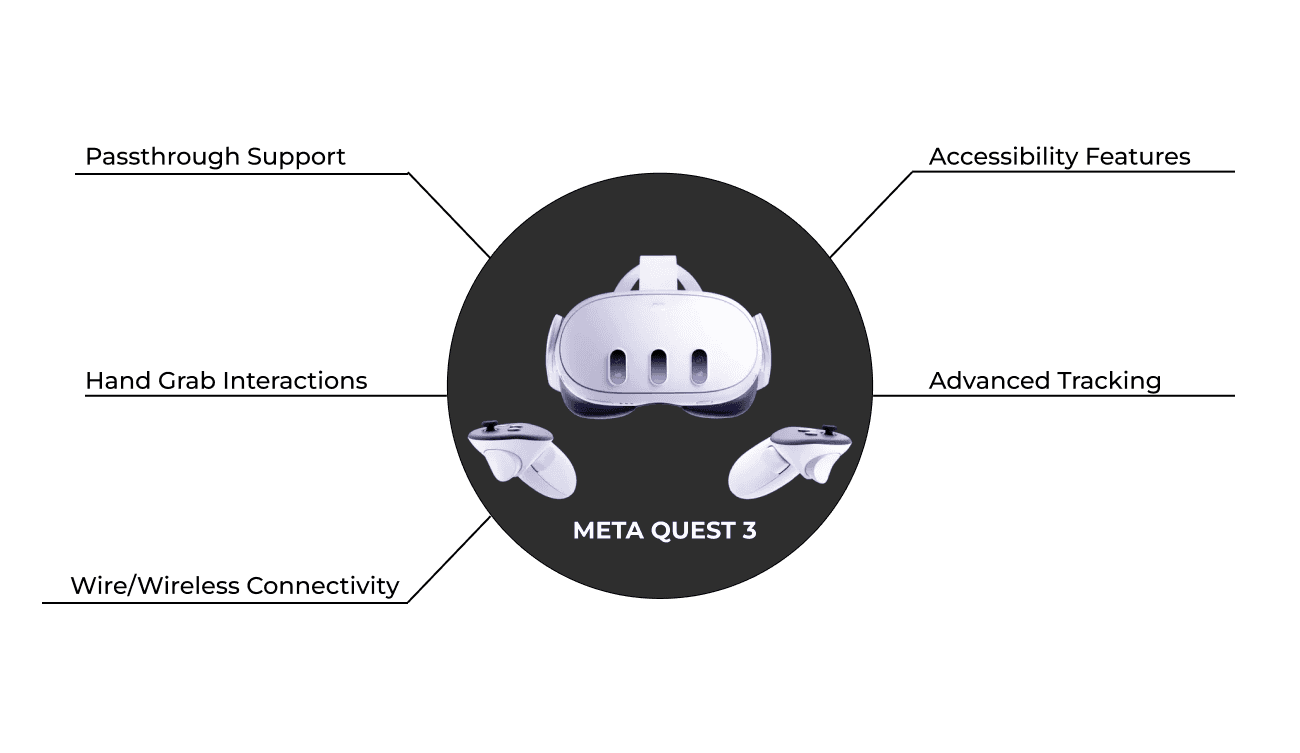
Here we check the device features and specification. It will able to preform the task or not. We specifically chose the Quest 3 because it has passthrough capabilities and hand tracking, along with other features that are much more compatible with the device.

Story boarding
Concept Sketch by Jay
Assets Creation
3D Models
In the asset creation process, we collect
assets from open sources and modify
the models according to our needs.

Low Poly Chicken
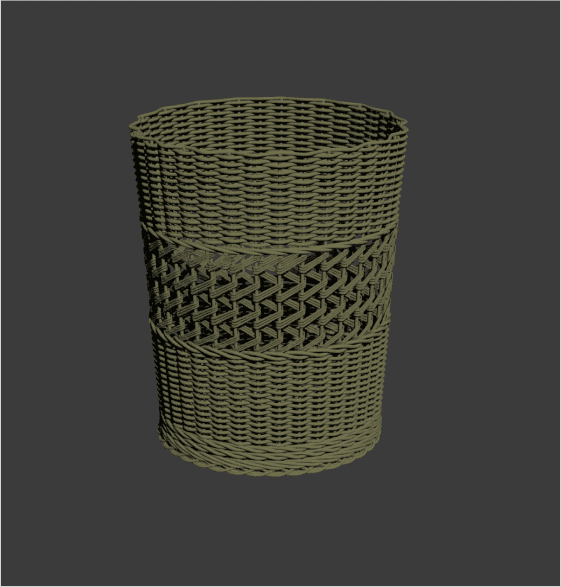
Basket

Lab
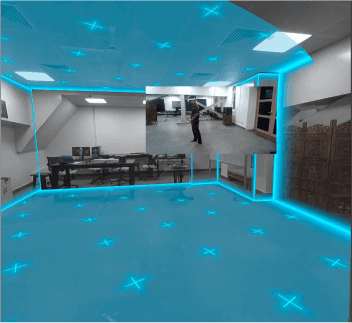
After scanning the lab.
Environment
In this game, the environment varies from person to person, depending on where the player chooses to play. In my case, it was my lab where I was designing the game.
Device Maturity
Here we check the device features and specification. It will able to preform the task or not. We specifically chose the Quest 3 because it has passthrough capabilities and hand tracking, along with other features that are much more compatible with the device.
3d Assets
The 3D models of the house, trees, and butterfly were downloaded from open-source libraries. The primary focus of the project was on designing the environment rather than creating 3D models from scratch. Using pre-made assets allowed me to concentrate on assembling and enhancing the scene to create an immersive and visually appealing environment, ensuring efficient use of time and resources.
Video Prototyping

– Our video prototype showcases hand interaction mechanics in the VR environment, illustrating seamless object manipulation.
– Navigation through the spatial layout offers viewers insight into
the environment's design and interactive features.
– The scoreboard is strategically positioned for visibility and
accessibility without disrupting immersion.
– Real-time demonstration highlights how user interactions influence the scoreboard, revealing the dynamic nature of the VR experience.
– Our goal is to convey fluidity and engagement, inviting viewers
to immerse themselves and provide feedback for refinement.
Game Prototype
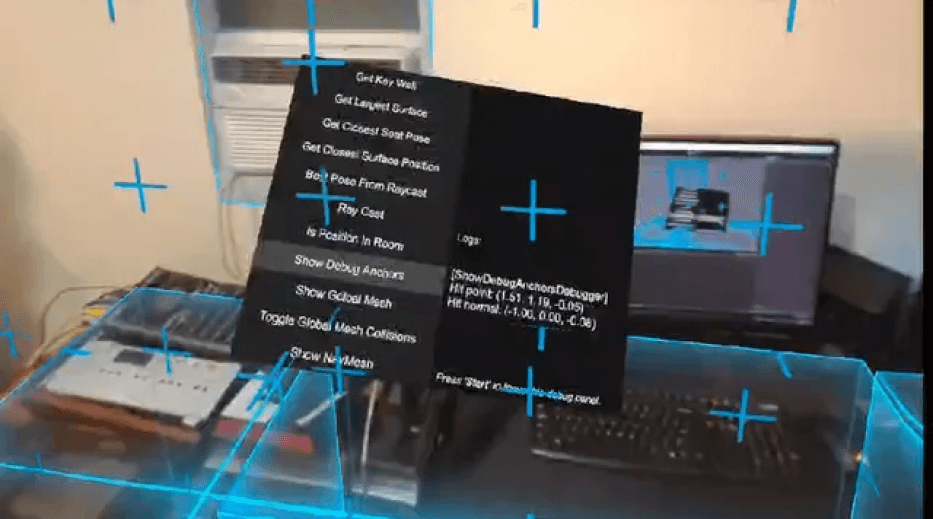
In the first step of developing a virtual reality (VR) application using the Meta Quest (formerly Oculus Quest) platform, adding the Meta Quest All-in-One plugin is essential. This plugin provides necessary tools and components to create immersive VR experiences. Like Camera Rig, Passthrough, Floor and Wall detection.
In second step we added Import Meta Hand Prefab and Meta Controller Prefab from the Meta-all-in-one-SDK package and place them in your scene. Attach Hand Grabber to the hand prefabs and Hand Grabbable to interactable objects. Ensure these objects have colliders and rigid bodies. Adjust Hand Grabbable settings for grab points and interaction. Configure hand animations for finger curl and grip strength to enhance realism and responsiveness.
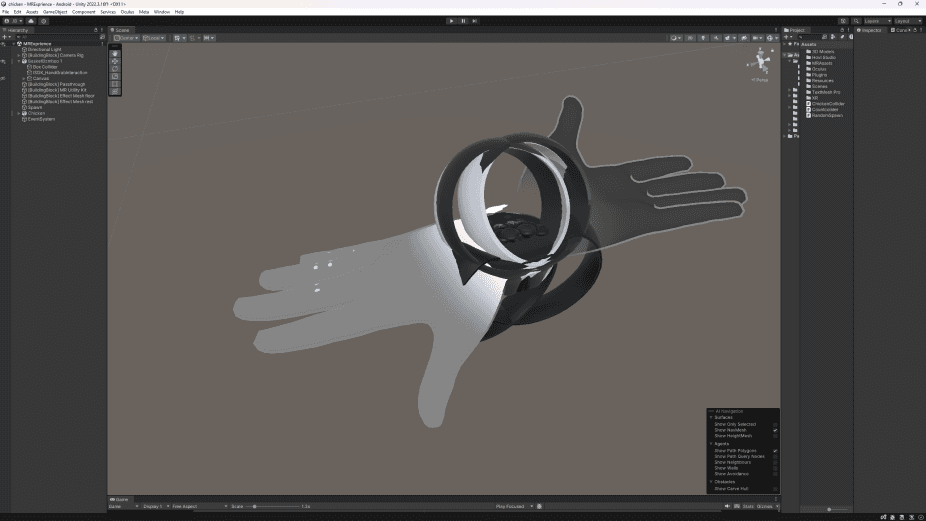
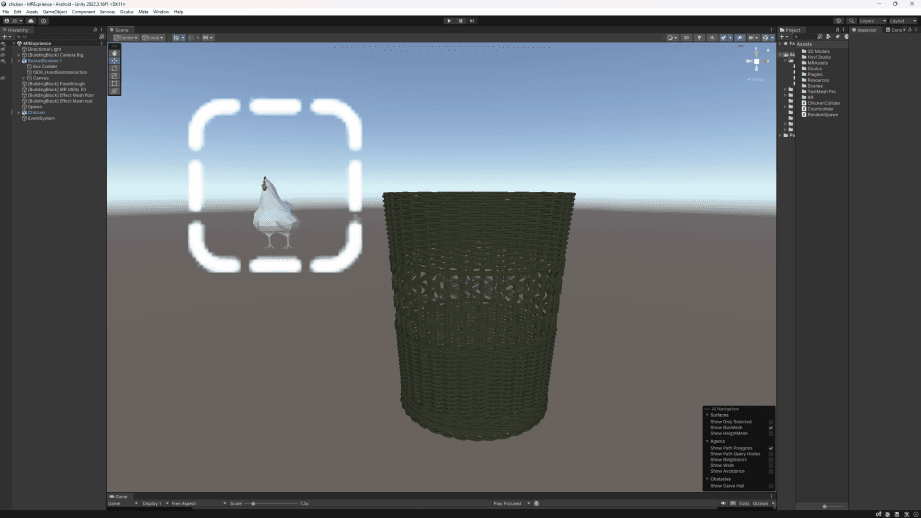
In step three we imported our 3D model files (.fbx) and texture files (.png, .jpg) into the Assets folder in Unity. Create materials using these textures and apply them to the 3D models. Ensure that the models have the necessary animations for Idle and Peeking, configuring these animations in the Animator Controller if needed. Drag the textured 3D models into the Scene view and position them appropriately. Finally, attach an Animator component to each model and link them to the Animator Controller to manage the animations.
In the last step, we finalize the game by adding a canvas with a text element to display the chicken count. We attach a collider to the basket to detect collisions. Through scripting, we implement logic so that when a chicken object hits the basket collider, the chicken count on the canvas increases. This creates a dynamic UI that reflects the number of chickens collected in the basket, enhancing the overall gameplay experience.
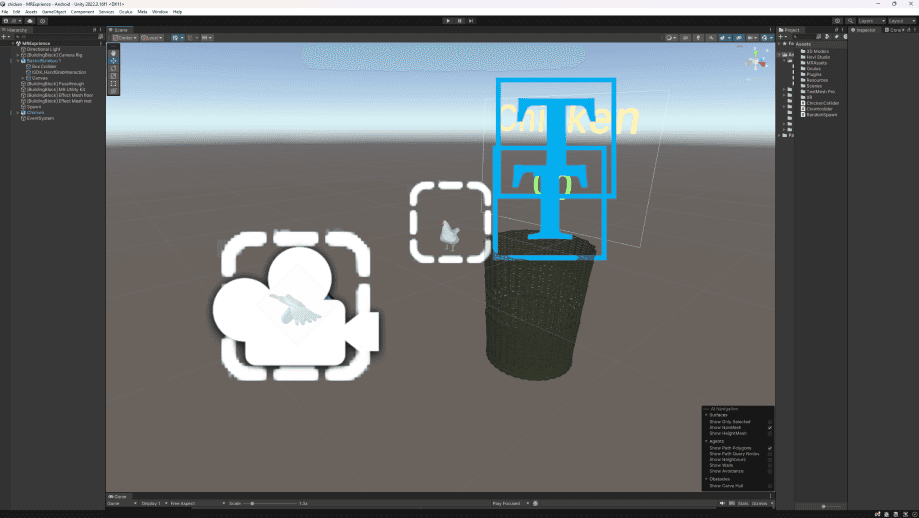
Game Testing
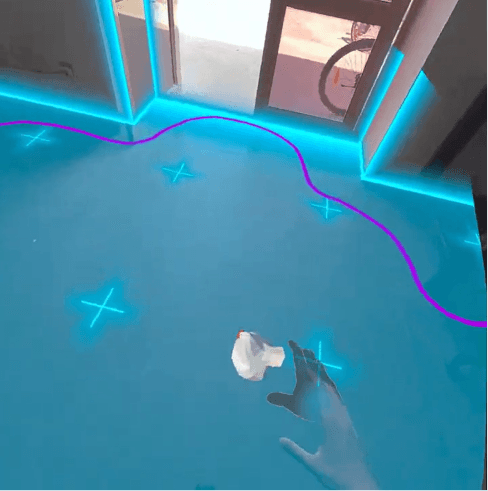
Testing Hand Grab Interaction
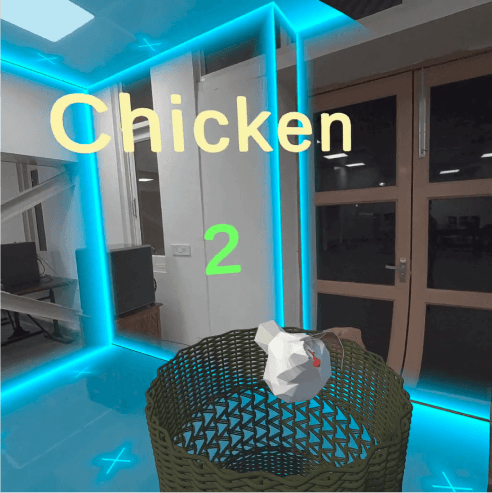
Testing the counting collider
Software Used



XR.io
Hi, I’m Juben Basumatay, currently pursuing my Master’s in XR Design at IIT Jodhpur.
Projects
Links
Contact