An immersive virtual platform designed to showcase Godrej's 14 diverse business verticals, offering employees and visitors an engaging space to learn, attend meetings, and explore the extensive range of businesses operated by Godrej.
Problem Statement:
Godrej is developing an engaging platform to showcase its 14 diverse businesses, highlighting key achievements and offerings. This initiative aims to provide a unified view of the company's extensive portfolio, making it easy for stakeholders and customers to explore and understand Godrej's wide range of products and services.
TEAM
Abhishek Manraj
Juben Basumatary
Unified Showcase: To showcase the fourteen business in one platform
Targeting New Generation: To integrate new technology to target the new generation audience.
Integration: •Combining of fourteen business into a single, cohesive platform.
Platform Selection: Selecting one platform to create the experience.
Content Creation: Selecting one platform to create the experience.
Understanding the company's objectives and the virtual experience's purpose is crucial. Identify the target audience and their expectations, outline required features and functionalities, and consider technical constraints like platform compatibility and device requirements. This foundational step ensures that the project aligns with the company's goals and user needs.
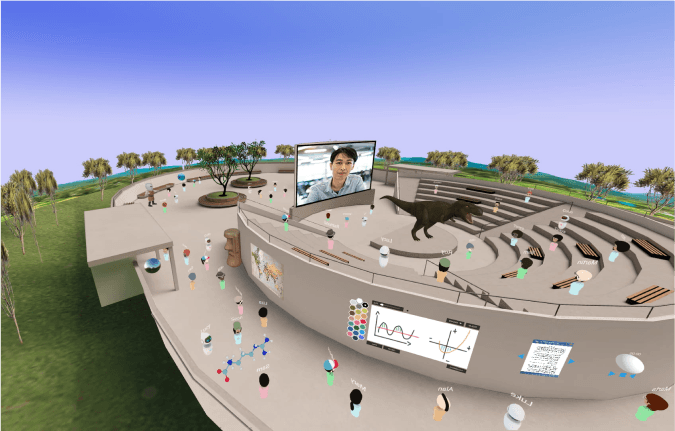
FrameVR.ioi s a browser-based VR platform by Virbela that lets users create and share 3D virtual environments without any downloads. It supports multi-user interactions, voice and text chat, screen sharing, whiteboarding, and AI features, making it ideal for virtual meetings, online events, and educational sessions across VR headsets, desktops, and mobile devices. Frame is customizable, with templates ranging from offices to expo centers. For more details, visit their

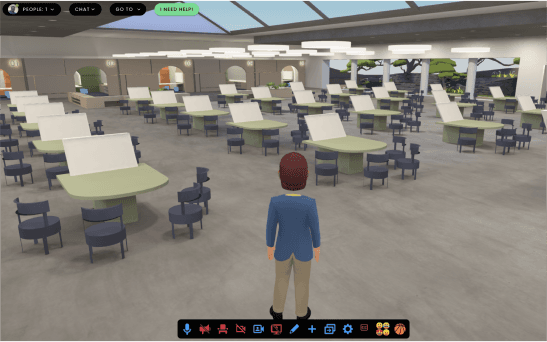
Develop a conceptual layout, including wireframes or mockups, to plan the arrangement of interactive elements and user pathways. Design the spatial arrangement of 3D assets and screens for intuitive navigation and a cohesive user experience. This blueprint serves as a guide for building the virtual environment.

3D Models
Create or acquire 3D and 2D assets, such as models, textures, icons, and UI elements, tailored to the virtual experience. Optimize these assets for performance to ensure efficient loading and smooth operation across various devices. This step involves both custom creation and utilizing pre-existing resources.
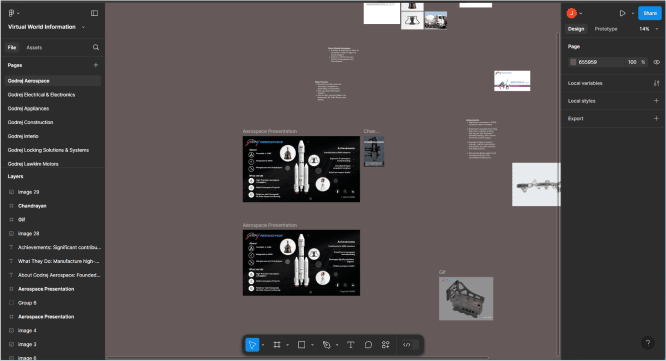
Creating 2D Screens
Install the Figma plugin and you’re ready to convert your designs to a responsive site.
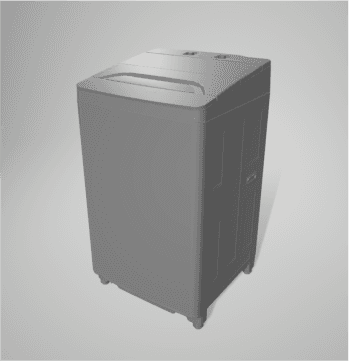
Creating 3D Models
Browse dozens of professionally designed templates. Click, duplicate, customize.
5. Assembling: Designing the Virtual Environment with the 3D Assets and Screens
Integrate assets into the virtual environment according to the blueprint, arranging 3D models and interactive elements to create an engaging space. Set up lighting and textures to enhance realism and user interaction. Conduct thorough testing to refine the experience, ensuring it is polished and user-friendly.
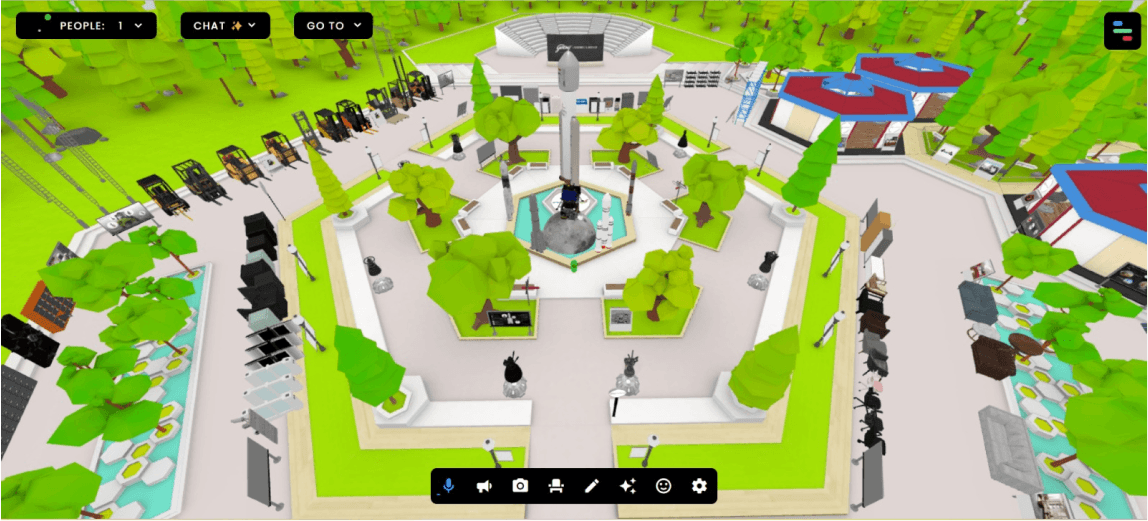
Results:
XR.io
Hi, I’m Juben Basumatay, currently pursuing my Master’s in XR Design at IIT Jodhpur.
Projects
Links
Contact