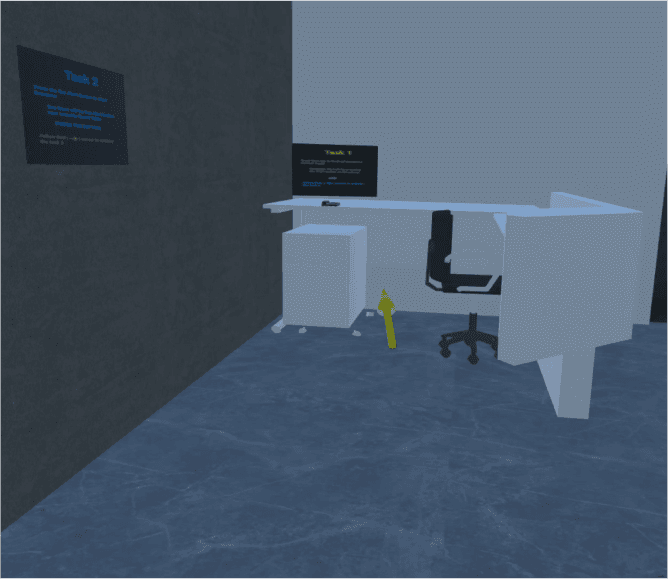
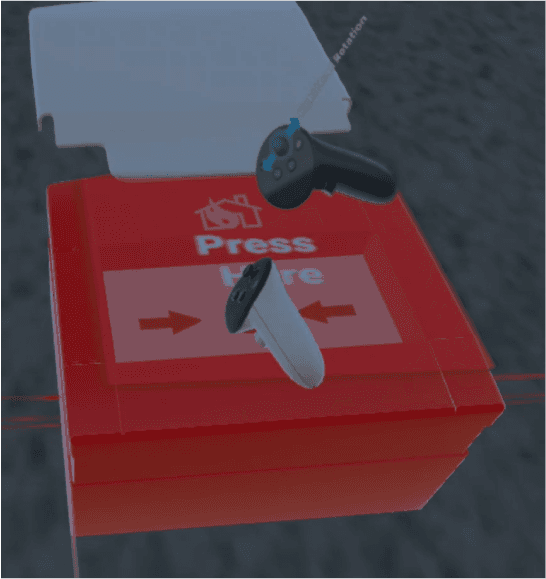
Virtual training for Godrej and Boyce Plant 13A.
Problem Statement:
Conducting real-life fire extinguishing drills for employees is often tedious, time-consuming, and impractical. These drills require significant logistical coordination, including the safe handling and disposal of fire extinguishing materials, ensuring all participants' safety, and maintaining compliance with regulations. Moreover, the repetitive nature of drills may lead to diminished engagement and learning retention among employees.
Objectives:
Immersive Fire Safety Training: The application will provide realistic, interactive simulations of fire emergencies, allowing employees to practice using fire extinguishers, identifying evacuation routes, and performing emergency procedures in a controlled virtual environment.
Personalized Learning and Assessment: The training program will be tailored to the specific needs and roles of employees, offering customized scenarios and feedback. Progress and performance will be tracked to ensure effective learning and compliance with safety protocols.
3D On-Site Emergency Plan (OEP): Convert the existing On-Site Emergency Plan (OEP) into a 3D interactive experience, enabling employees to visually navigate through emergency procedures, understand critical areas, and familiarize themselves with safety equipment and evacuation routes within the facility.
Challenges:
1. 3D Environment: Replicating the Real Scenario and Creating the 3D Twin of the Innovation Center.
Create a detailed 3D model of the Innovation Center, including layout, furniture, and textures. Ensure realistic lighting and environment, and refine based on user feedback for high accuracy and immersion.
2. Optimizing the Task: Minimizing the Task so it is Engaging and Interesting to Employees.
To optimize tasks in the virtual environment, break complex tasks into manageable steps and incorporate gamification to boost engagement. Use interactive feedback and clear visual cues to guide users, ensuring tasks align with their real-world roles and interests for a relevant and enjoyable experience.
3. Navigation: Making Users Understand About the Task and Environment.
To ensure effective navigation in the virtual environment, create a user-friendly on boarding experience with tutorials or guided tours. Use interactive way finding tools like maps and signs to help users find key locations. Include progress indicators and prompts to keep users informed and engaged. The goal is to make the environment intuitive and accessible for easy and confident navigation.
To design an effective solution, first understand users' specific needs and challenges by gathering detailed information on their issues, goals, and interactions with the current system. Engage users through interviews or surveys to gain insights, then analyze this data to identify core problems and ensure the final product meets their needs with practical solutions.
2. OEP: Studying the OEP (Different Role)
Study the On-Site Emergency Plan (OEP) from the perspectives of safety officers, employees, and emergency responders. Each role interacts with the OEP differently and has specific responsibilities. Understanding these viewpoints ensures the virtual representation accurately reflects all aspects of the emergency plan, including procedures, protocols, and tasks for each role.
3. Storyboarding: Creating the Rough Storyboard to Understand the Task
Create a rough storyboard to visualize user interactions within the 3D environment. This storyboard outlines the sequence of events, interactions, and key elements, serving as a blueprint for the user experience. It helps organize the flow of activities, ensure all necessary components are included, and refine the user journey in the virtual space.
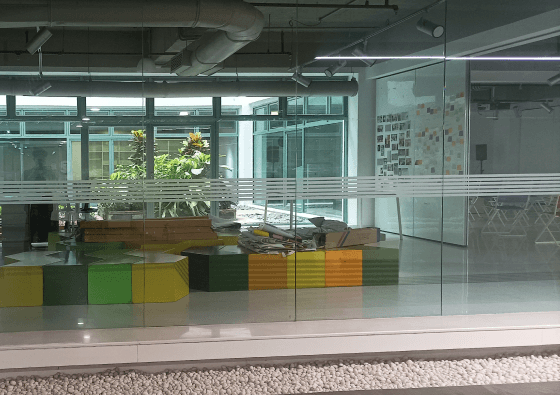
4. Pictures: Capturing Images for Reference
Take detailed photographs of the physical environment and relevant objects. These images serve as reference material for creating accurate 3D models and textures. Capturing various angles and details ensures that the digital replicas closely match the real-world counterparts. This visual reference is crucial for achieving realism and consistency in the 3D environment, making it easier to recreate the physical space accurately.



Develop detailed 3D models using Autodesk Maya based on the reference images. This process involves modelling, texturing, and UV mapping to ensure that the 3D assets accurately represent their real-world counterparts. Focus on detail and precision to create realistic and functional models that will be used in the virtual environment. Proper asset creation is essential for achieving a high level of immersion and visual fidelity.
Reference 3D Models

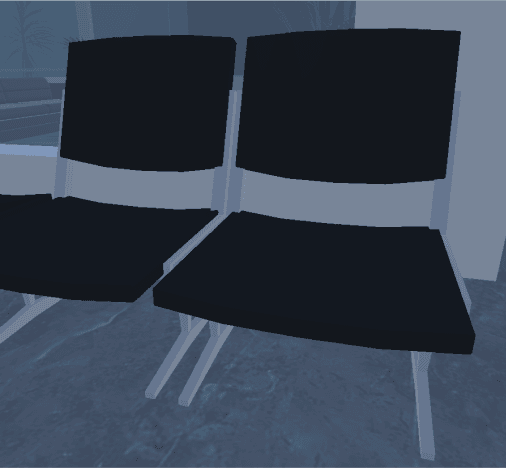
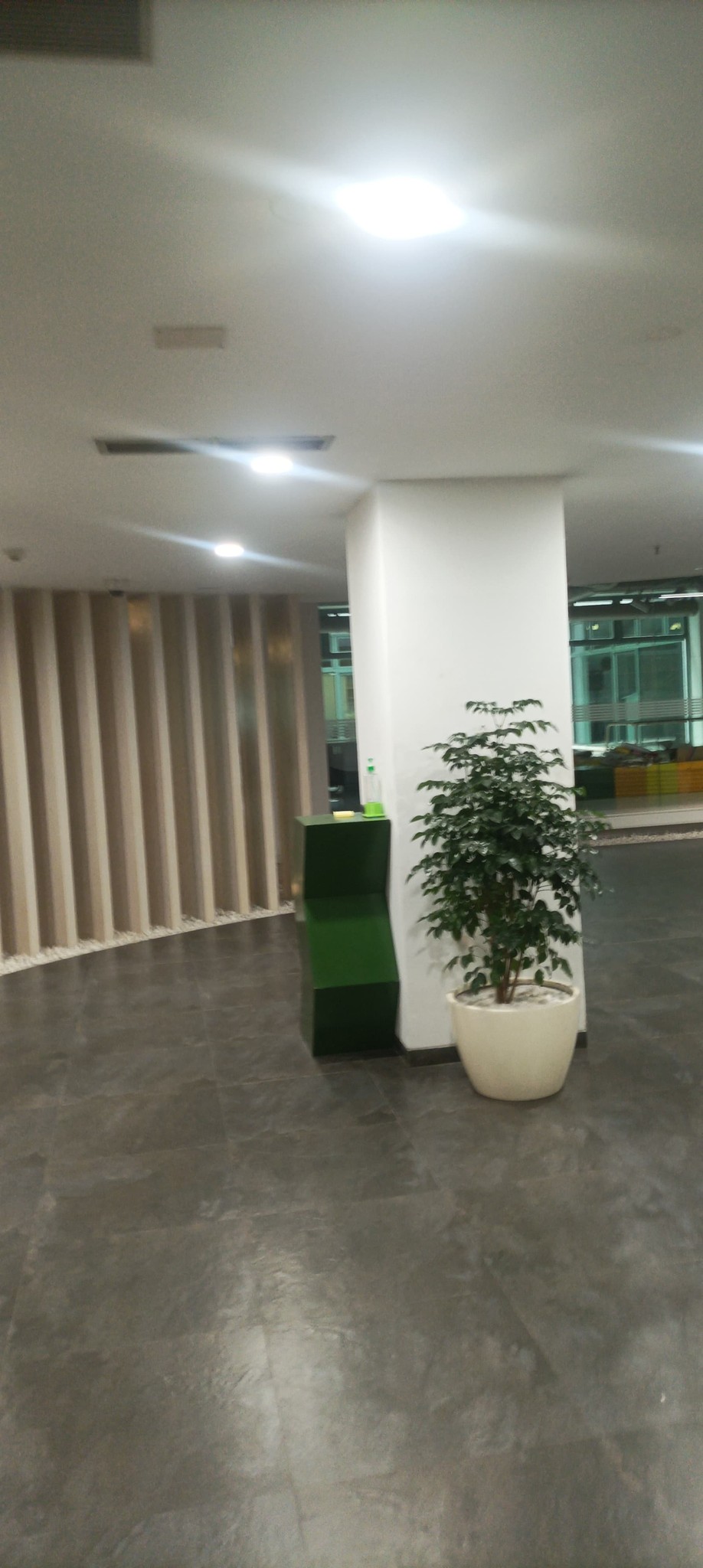
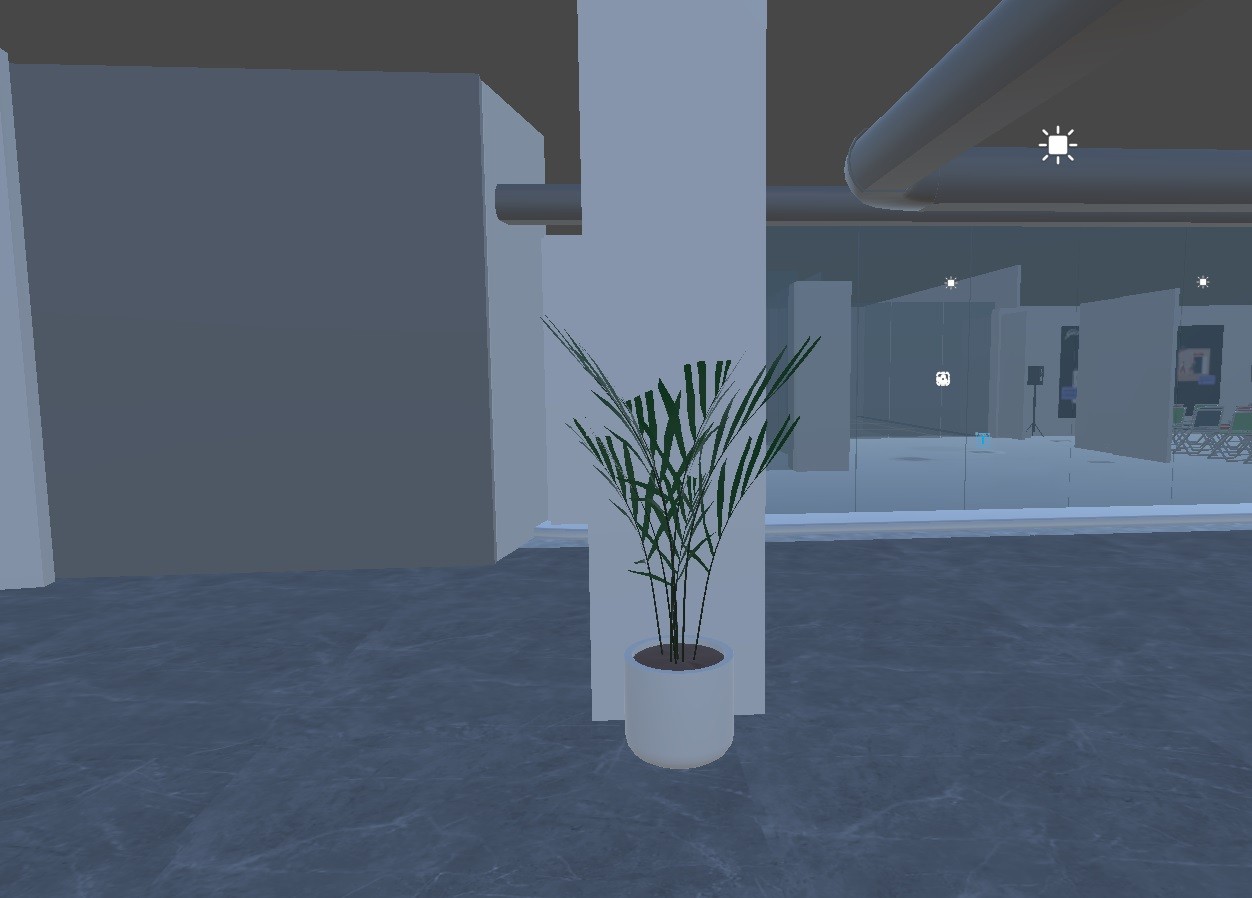
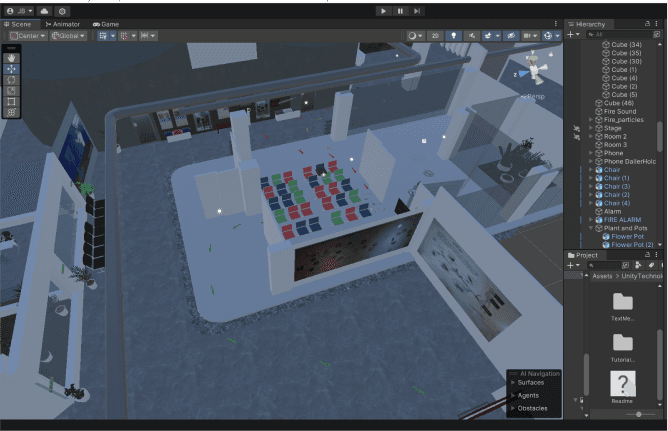
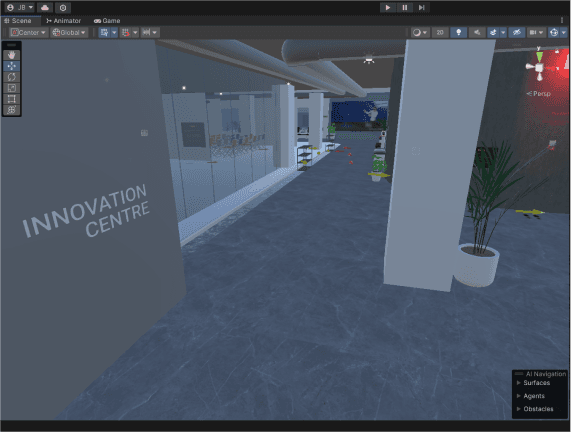
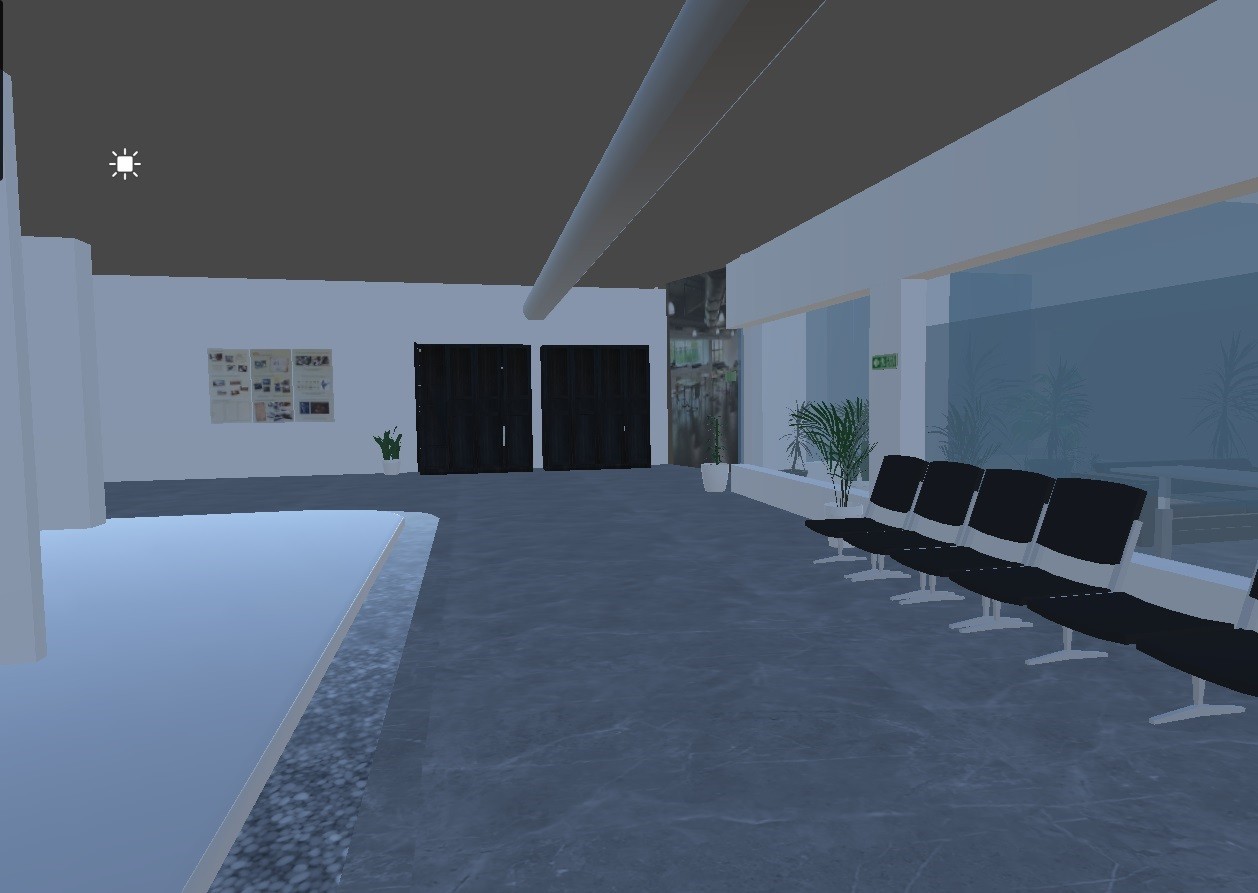
Import the 3D assets into Unity and build the virtual environment. Arrange objects, apply materials, and set up lighting to recreate the physical space as accurately as possible. This step involves designing the overall layout and ensuring that the environment is interactive and engaging. Unity’s tools and features allow for detailed customization, helping to bring the 3D environment to life and make it functional for users.
Reference 3D environment in Unity
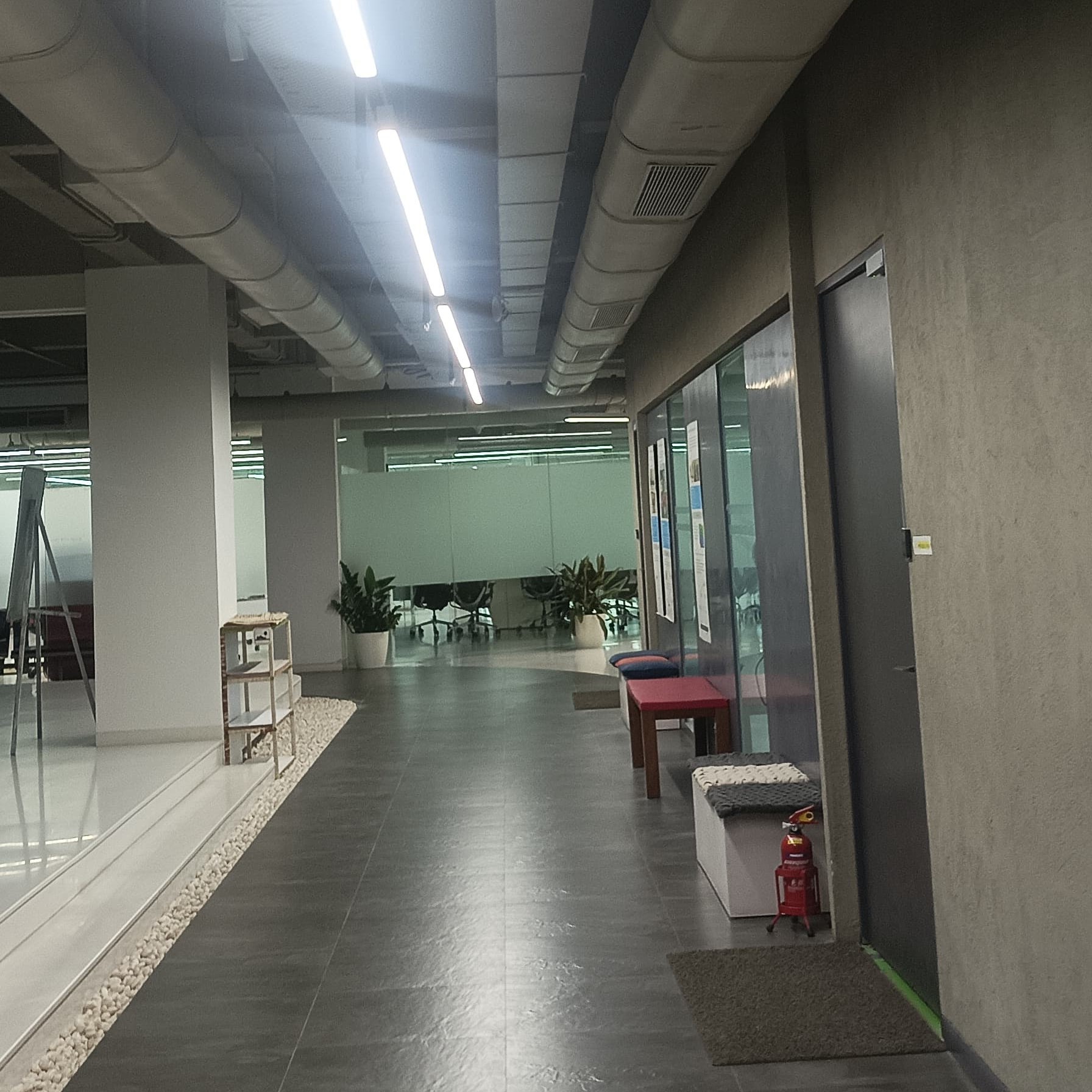


3D Space in Unity

7. Coding: Creating the Logic and Functions
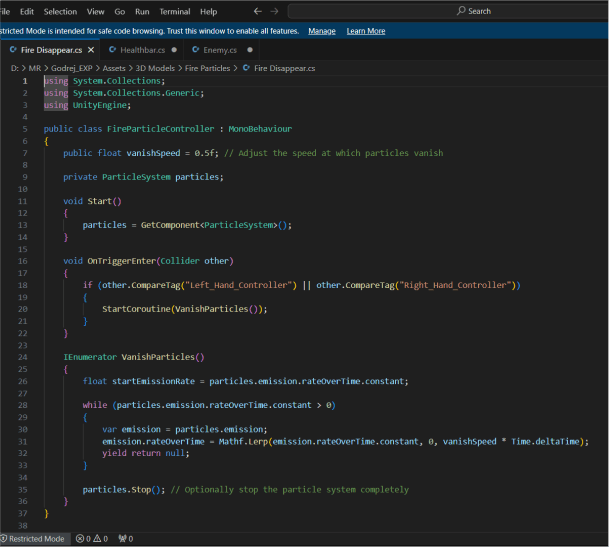
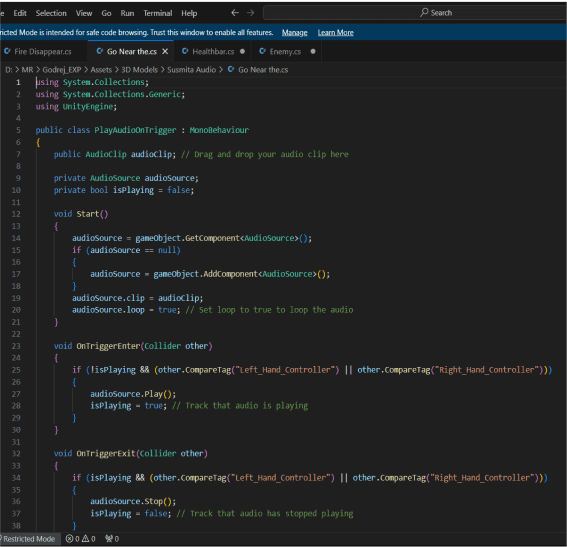
Implement the necessary functionality and interactions within Unity using C# scripting. Develop code to handle user navigation, task completion, and provide feedback based on user actions. Testing and debugging are crucial to ensure that the logic works as intended and that the user experience is smooth and intuitive. Proper coding integrates all elements of the environment, allowing users to interact with and navigate through the virtual space effectively
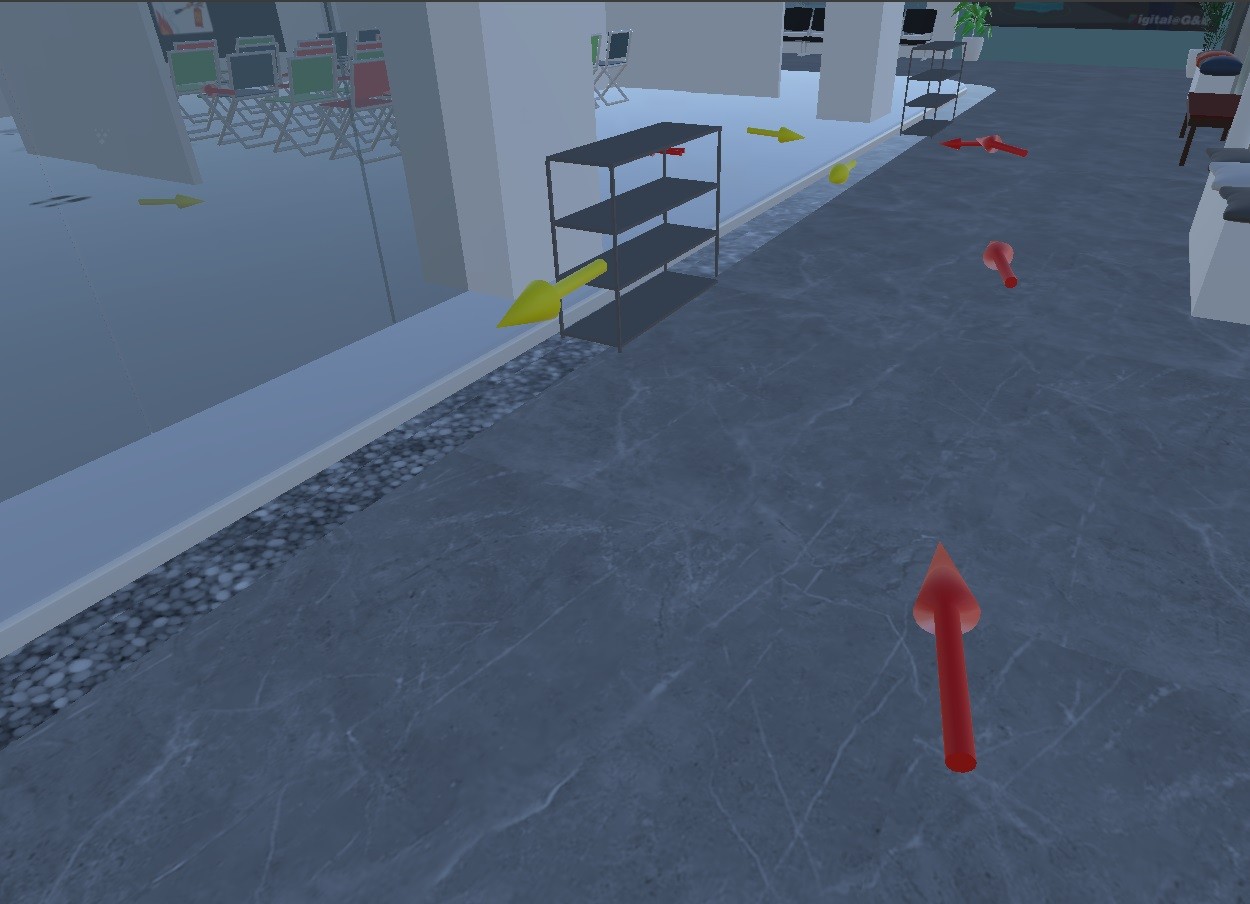

Results:
XR.io
Hi, I’m Juben Basumatay, currently pursuing my Master’s in XR Design at IIT Jodhpur.
Projects
Links
Contact